
Features on macOS
What FineReader PDF for Mac does, category by category, and what it does not.
In detail
Eight feature categories
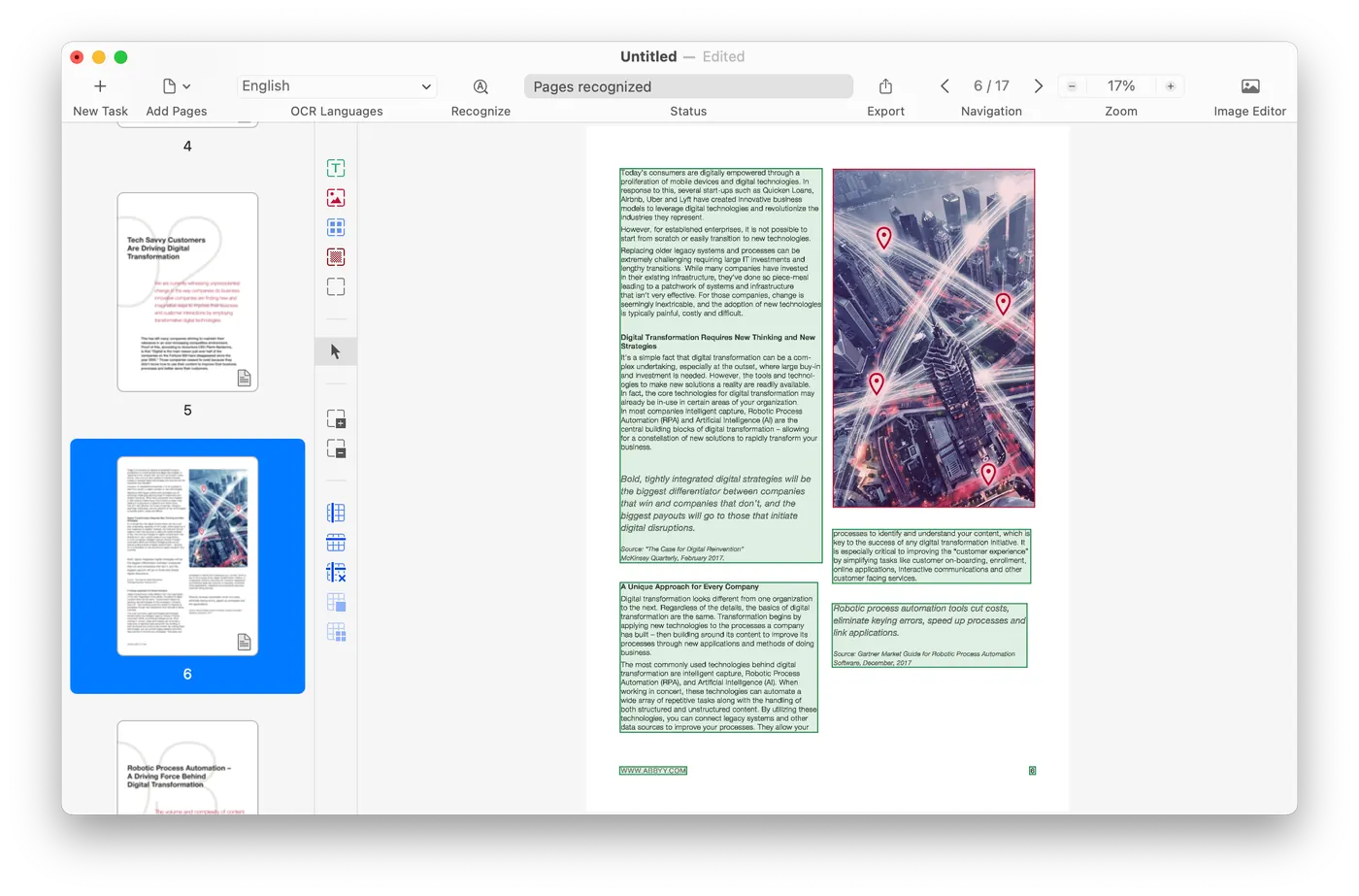
Turn paper and scans into digital files with OCR
Digitize paper and scanned documents so you can store them and retrieve them quickly and reliably, or reuse and edit them straight away, using ABBYY’s optical character recognition technology.
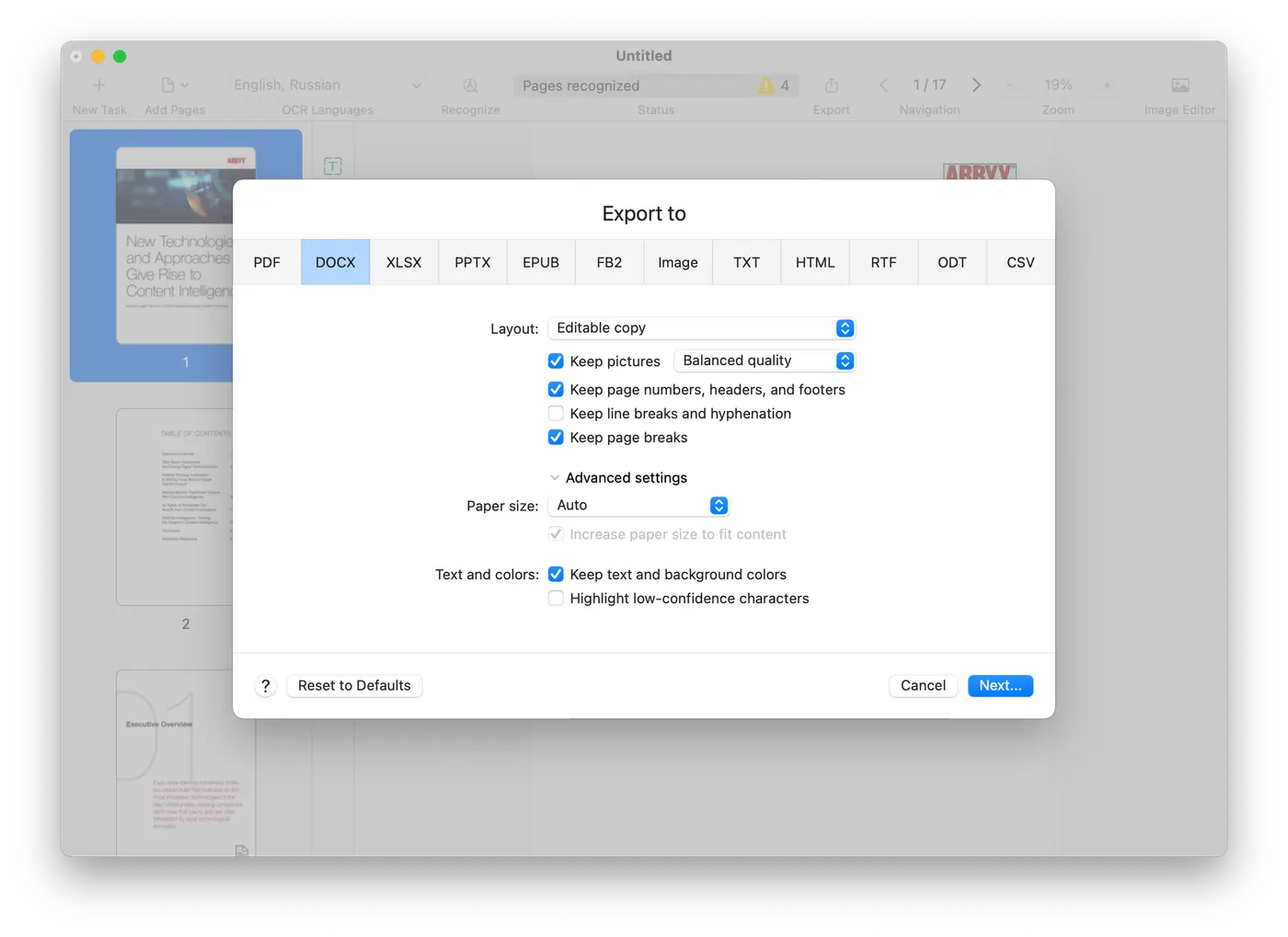
Create and convert PDFs
Take paper, or a file in almost any format, and get back a searchable PDF that meets the ISO specification. It works the other way too: a PDF becomes Microsoft Word, Excel, or one of more than 15 other formats.
Make PDFs searchable
Running an existing PDF back through conversion makes it searchable and leaves it in a state fit to archive.
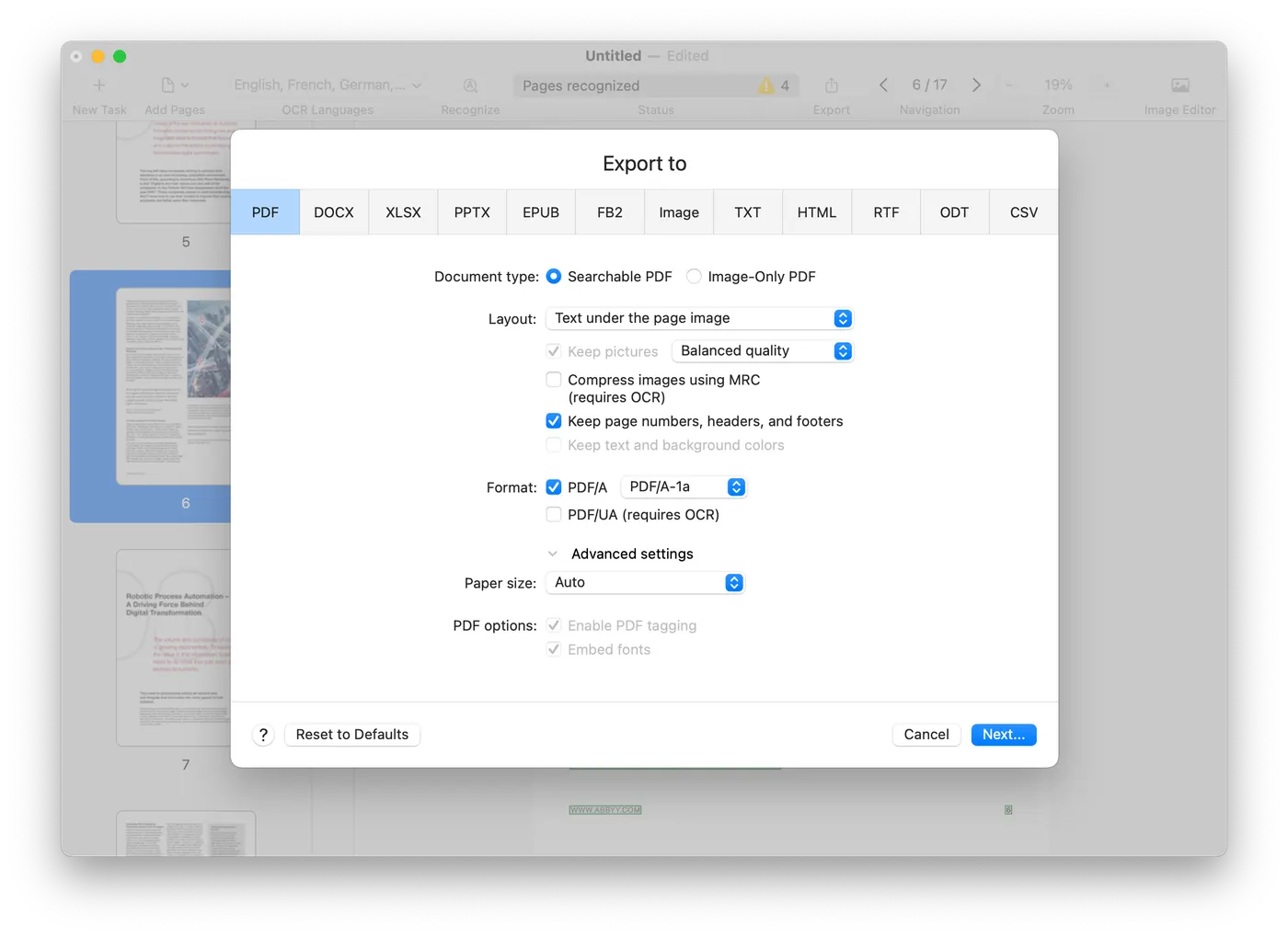
Build PDFs from paper and document images
Produce standards-compliant, searchable PDFs out of paper, scans, document images, or PDFs that were never made searchable. The result is fit for sharing, for finding things in, for long-term archiving and for accessibility, and it can carry a password.
A true Mac-like user experience
The application is built for macOS and behaves the way you expect a Mac application to, including Dark Mode support, so it follows your system appearance settings.
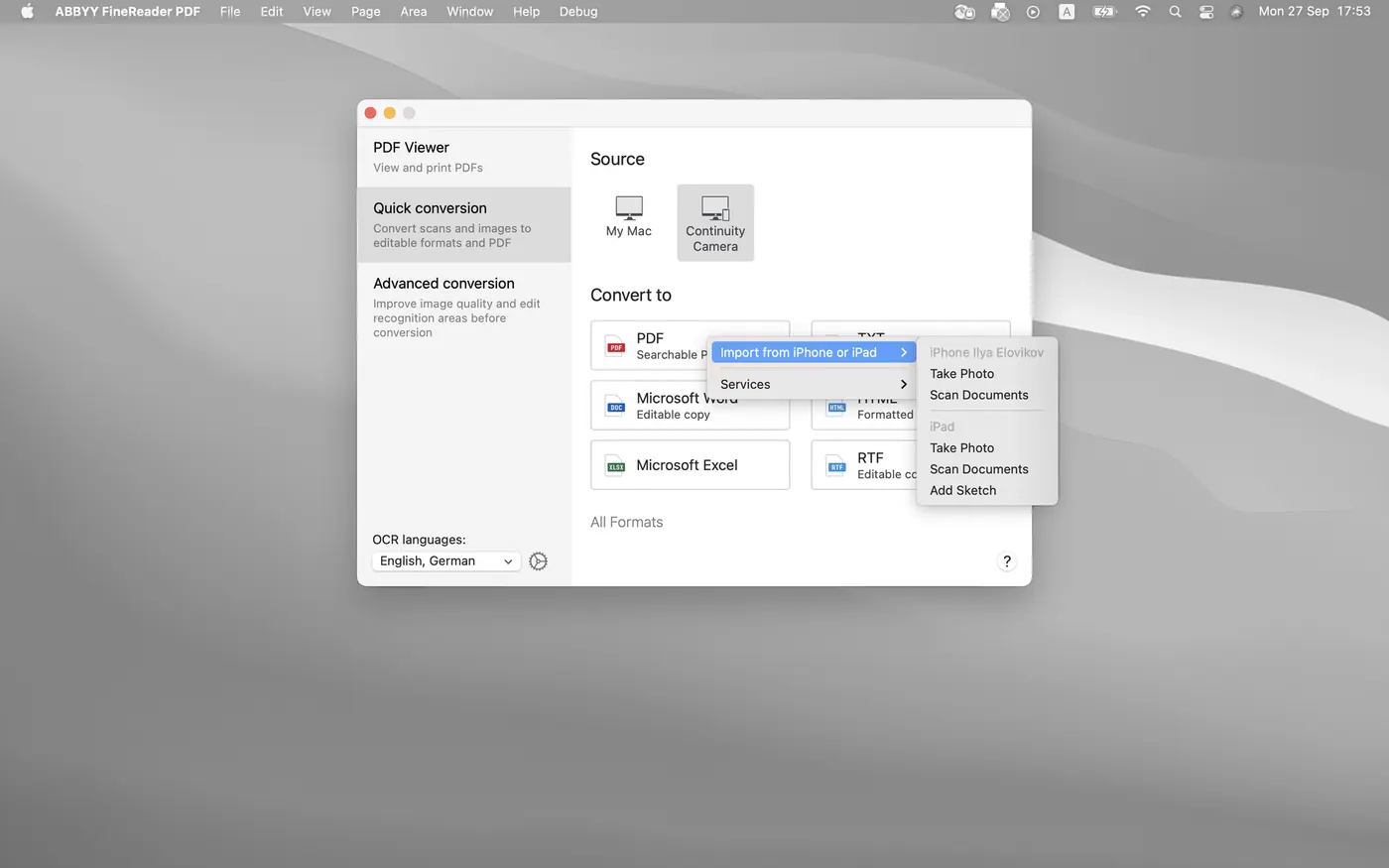
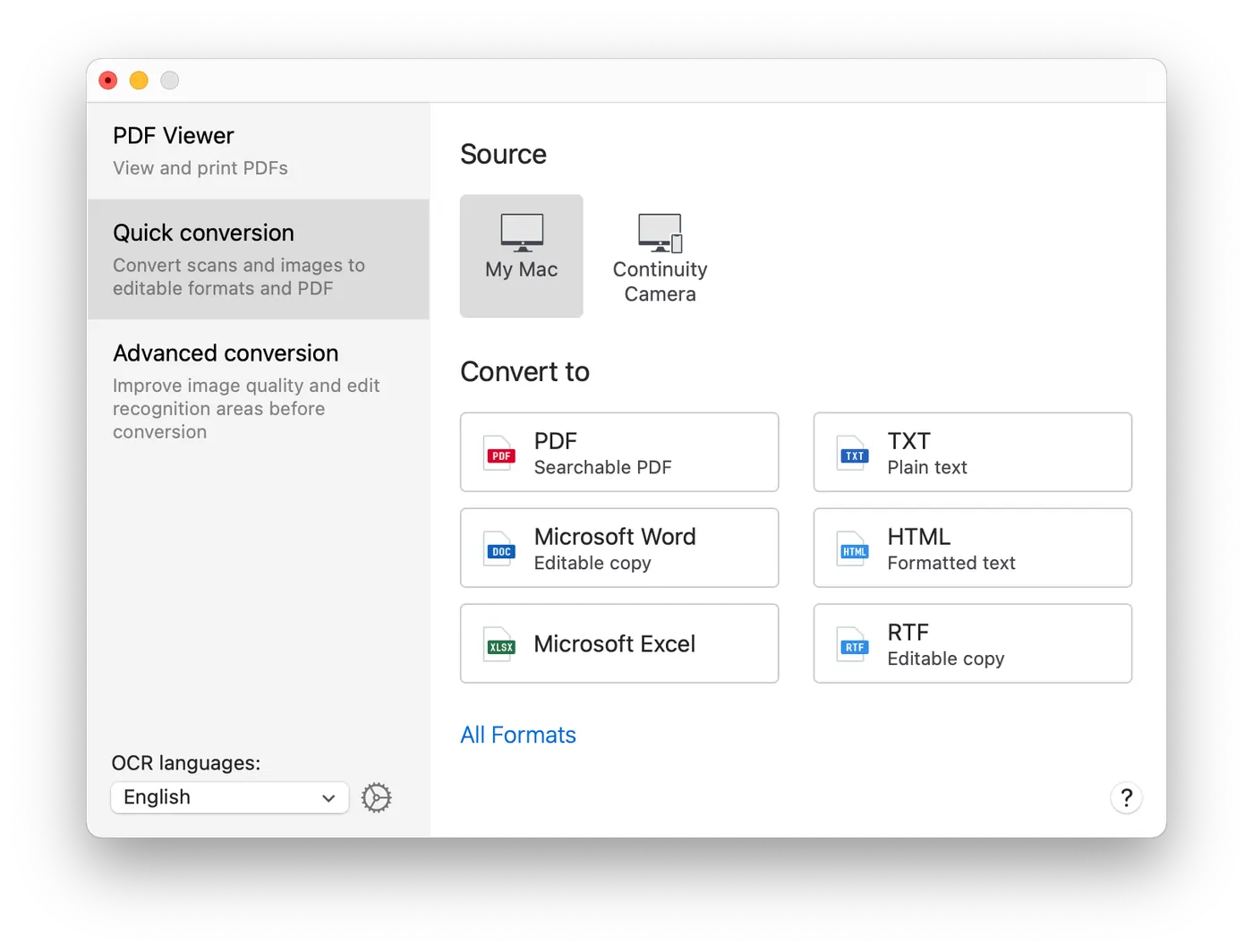
Capture documents with iPhone
Photograph or scan a document with your iPhone or iPad via Continuity Camera, or import document images you took earlier.
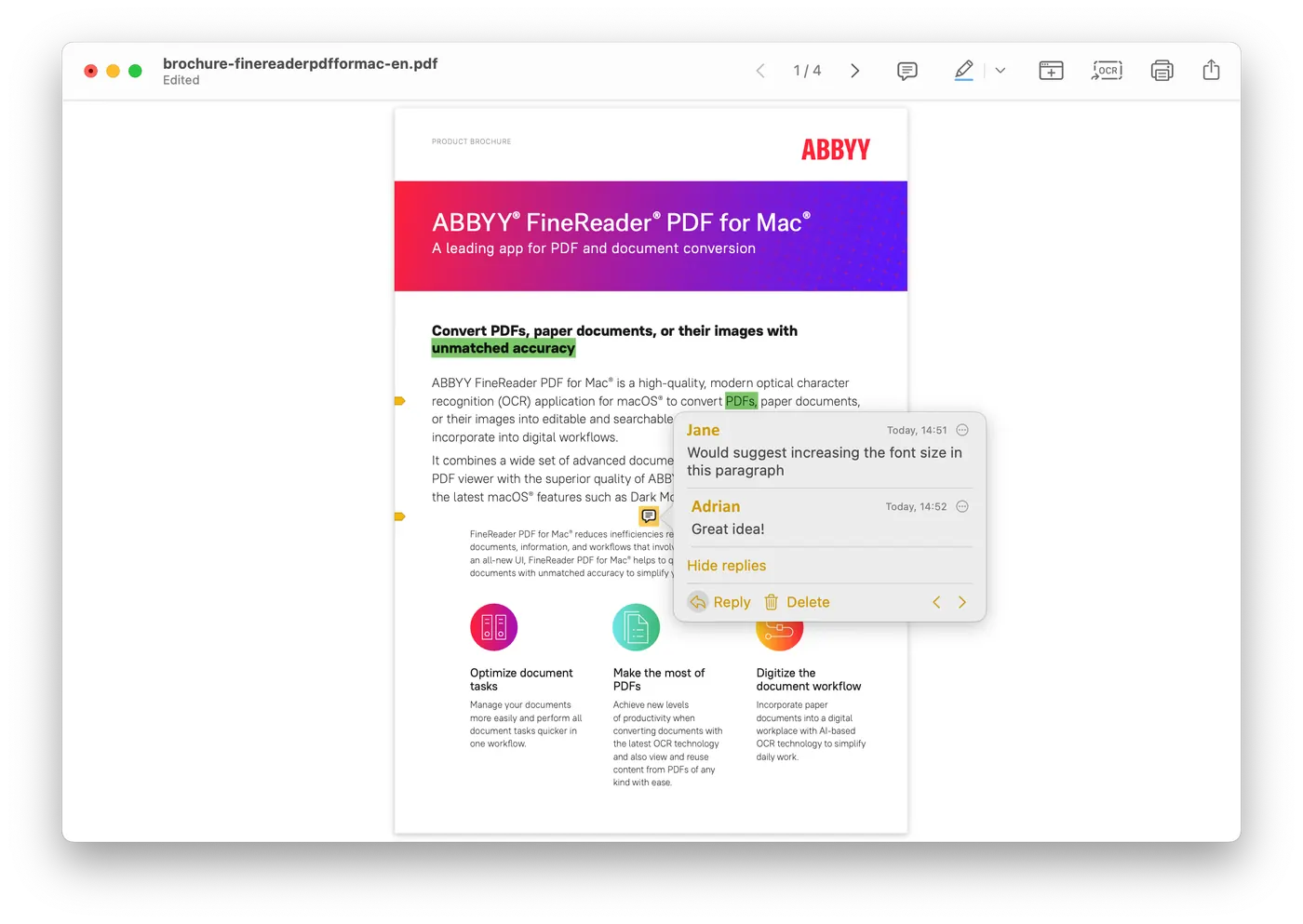
View and annotate PDFs
View and reuse the content of PDF documents, highlight text, and make or reply to comments in the built-in PDF viewer.
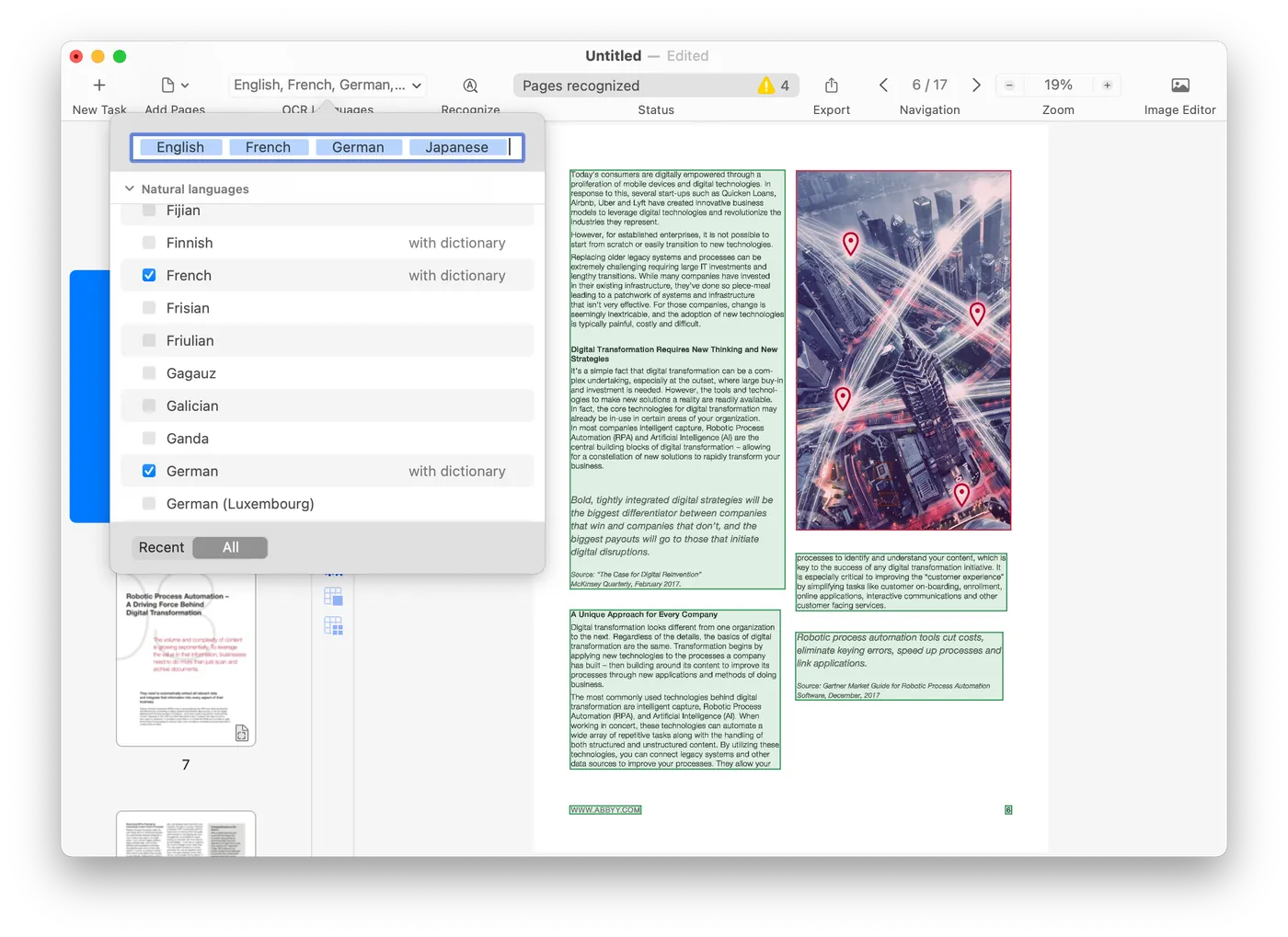
Broader format and language coverage
Recognition covers 198 languages, and the input can be an image file or a PDF of almost any kind.
Working on Windows?
The Windows edition has a wider feature set: editing inside the PDF, forms, document comparison and automation.
Interested in the Mac edition?
Tell us what you want to do and on how many machines, and we will tell you what we can supply.